
NBI Appointment Online for NBI Clearance; Best Guide 2026
Let’s initiate the NBI Appointment_ Stay home, own your Slots now. Navigate the button below to hire a slot for NBI Clearance.
An NBI appointment is booking a time slot online through the NBI website. The NBI online appointment system handles the appointment process, making it incredibly straightforward. Applicants can secure an appointment on a specific date, time and preferred NBI branch for personal visit to process NBI Clearance.
NBI online appointment is the first prerequisite to acquire clearance from the NBI. Application submitted online is mandatory to present during the physical office visit. Whatever the type of clearance, local NBI Clearance, Clearance for abroad, or NBI Clearance renewal, it is essential to confirm online application. NBI offices do not facilitate walk-ins throughout the country after the NBI inaugurated the NBI appointment online system.
In this article, we will take you through the whole process of booking online appointment for NBI Clearance, fee payment, and selection of NBI clearance office.
What is NBI Appointment Online?
An NBI appointment online system is a centralized database that provides a virtual space that stores and manages digital records. National Bureau of Investigation (NBI), a Philippine national agency governed by the Department of Justice (DOJ), regulates crime control through investigative operations.
Using this database, applicants can file an application online and book a slot at the NBI office for further walk-in personal verification. It saves them from unnecessary delays and waiting in long queues at the center. Applicants can preferably pick a fully customized time slot in less-crowded hours, avoiding the wastage of time.

Advantages of NBI Appointment Online
NBI Clearance online appointment in the Philippines is a streamlined process completed with one click, making the applicants’ visit convenient. It provides an unobstructed path to enter personal details, avoiding wastage of time. The following are the advantages of booking appointments online:
Requirements for NBI Appointment
To book an appointment for personal visit to the NBI office for NBI Clearance, you have to keep documents that prove the individual’s personal information, e.g. government ID, passport, marriage certificate, UMID, PRC ID.
Along with all the above-mentioned prerequisites, the applicant must appear personally in the office for biometric verification and photo capture. The IDs required for verification may vary depending on the type of application; e.g., clearance for disabled persons may need a PWD certificate. Read the instructions given on the official NBI website before appointment.
How to Set Appointment in NBI?
Follow these steps to book an NBI online appointment:
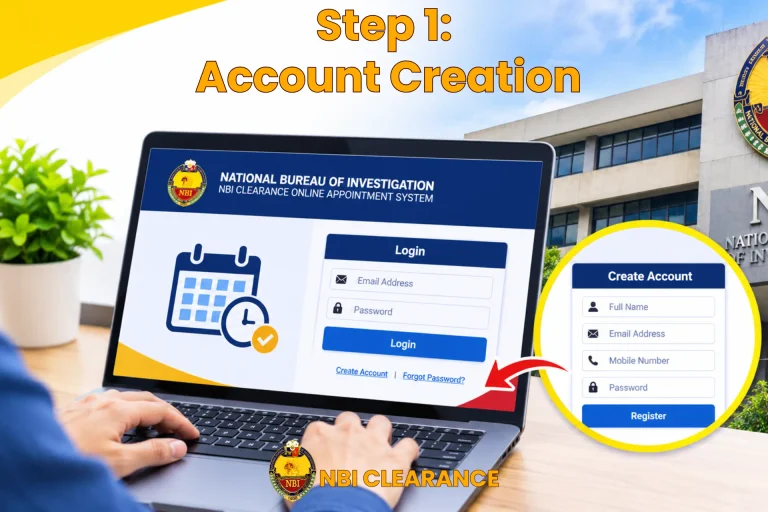
Step 1: Account Creation/Login
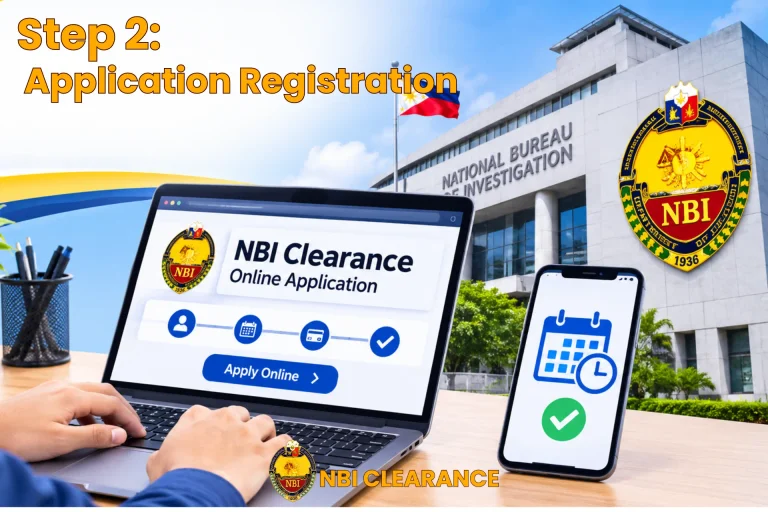
Step 2: Application Registration
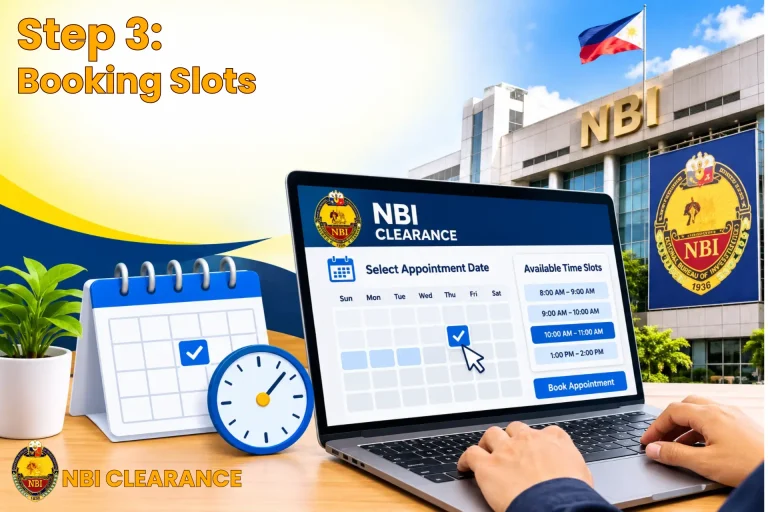
Step 3: Booking Slots
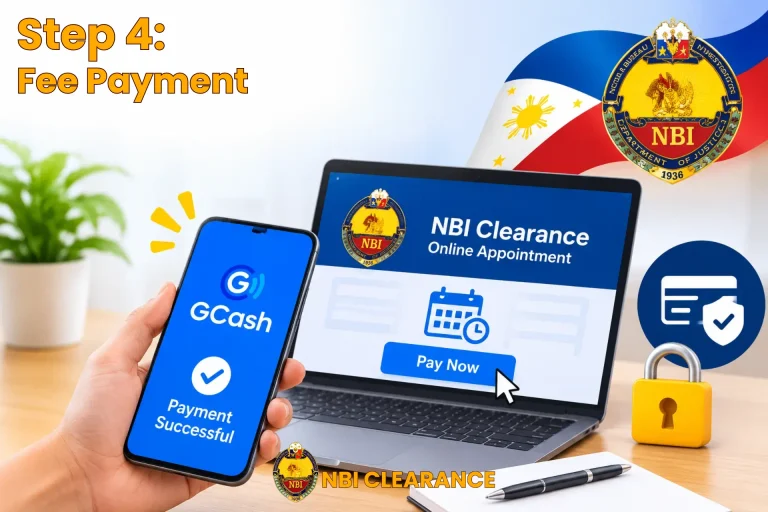
Step 4: Fee Payment
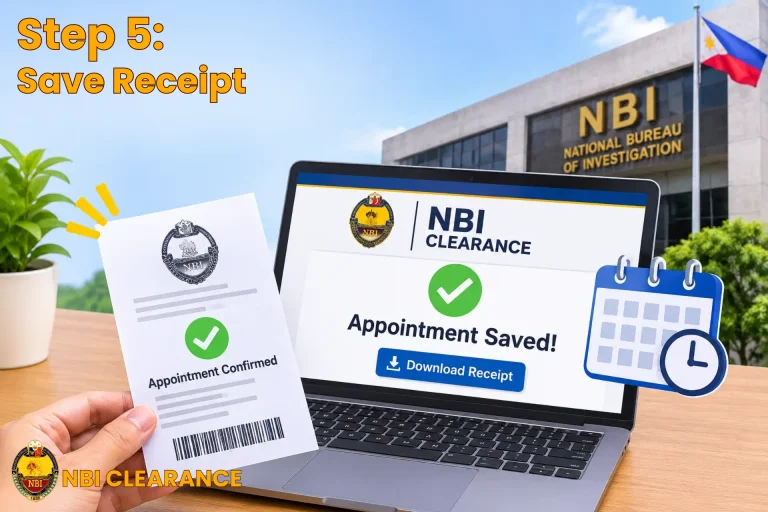
Step 5: Save Receipt
How to Pay NBI Clearance Using GCash?
GCash is a mobile payment method used to pay the dues for the processing of NBI Clearance in the Philippines. It is a supported channel to send payments to the NBI directly from an applicant’s mobile phone. Facilitating for users, GCash enables them to pay the fee digitally while staying at home. It is also the easiest way to pay the NBI Clearance fee for those living across the Philippines.
For payment, follow these few steps:

Now, you can see the appointment information after the payment is reflected in the NBI system, which usually takes 5 to 15 minutes after payment. If the payment is not reflected, avoid repayment and contact NBI support to ask them to verify the payment.
How to Reschedule NBI Clearance Appointment Online?
For any reason, if your appointed date or time conflicts or any issue prevents you from appearing in the office, you can reschedule your appointment before that day. Follow these steps to reschedule your NBI appointment online:
Remember that you do not have to pay any charges if you reschedule the date and time before the appointment. If you miss your appointment, you have to reschedule and pay the charges for the new appointment.
How to Cancel NBI Appointment?
You can cancel an NBI appointment at any time due to a wrong schedule selected that results in a work conflict. You may need to change the NBI branch if you find it impractical. Or, in case you find a mistake in personal information, you must cancel your appointment and submit a fresh application with correct information. But it is not clear whether the NBI refunds you or not. To cancel an appointment, sign up on the NBI website, go to the active subscriptions, and tap on “Cancel Appointment”. Remember that the fee submitted is non-refundable.
Tips for Smooth NBI Appointment
To avoid any hassle, take the right approach to book an appointment. Save yourself from common mistakes discussed below:
Conclusion
The NBI Clearance appointment online system has revolutionized the clearance process in the National Bureau of Investigation. It allows applicants to book NBI slots while staying at home through an online portal with minimal effort and reduces processing time. This portal works for appointments in main offices in Ermita, Manila and regional offices.
Follow the stated method above to go through the practice of appointment booking seamlessly. If you still encounter trouble, just refer to the official guidelines to tackle it. This guide will make the appointment smooth without any mistakes. So, bear in mind to suggest this blog to your friends and family.